
Free download PrusaSlicer for MacOS Latest offline Installer – Export the perfect print files for your 3D printer.

Free Download PrusaSlicer, the latest standalone offline installer for macOS. It streamlines 3D printing by providing a user-friendly interface and advanced features to optimize print quality and efficiency.
Overview of PrusaSlicer for macOS
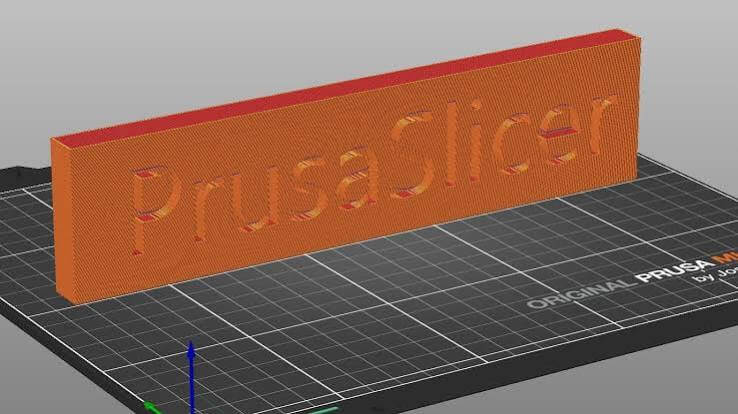
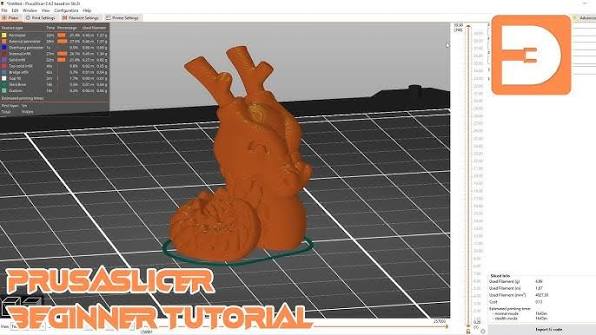
It is a slicing software that takes 3D models and transforms them into a series of instructions that a 3D printer can understand. It is explicitly designed for Prusa 3D printers and has evolved into a versatile tool compatible with various 3D printers. Its intuitive interface and advanced settings empower users to optimize print quality and efficiency.
Features of PrusaSlicer for macOS
- Customizable Supports: It offers advanced customization, allowing users to fine-tune support structures for optimal stability without wasting filament.
- Layer Editing: Users can modify layer settings individually, providing precise control over specific print sections and optimizing print quality.
- Variable Layer Height: This feature allows for different layer heights within a single print, balancing speed and detail as needed for different model sections.
- Adaptive Layer Cooling: It dynamically adjusts layer cooling based on the geometry of the printed object, preventing overheating and improving print quality.
- Print Time Estimation: Accurate time estimation helps users plan their printing schedules and optimize workflow, enhancing productivity.
- Automatic Variable Layer Thickness: It can automatically adjust layer thickness based on the model’s geometry, improving print quality and efficiency.
- Multi-Material Printing: Supporting multiple extruders enables multi-material and multi-color printing, expanding creative possibilities.
- Advanced Filament Settings: Users can define detailed filament settings, including material properties and temperature profiles, ensuring compatibility with various filament types.
- Printer Profiles: It comes with pre-configured profiles for a wide range of 3D printers, simplifying the setup process and ensuring optimal performance.
- Prusa Mini Support: It seamlessly integrates with the Prusa Mini 3D printer, offering a tailored experience for users of this popular compact model.
Technical Details and System Requirements
- macOS 10.11 or later
- RAM: 4GB or higher
- Disk Space: 500MB of free disk space
FAQs
Q: Is it only compatible with Prusa 3D printers?
A: While optimized for Prusa printers, it is compatible with a wide range of 3D printers, offering versatility to the user.
Q: Can I use it for multi-material printing on non-Prusa printers?
A: It supports multi-material printing on various 3D printers with multiple extruders.
Q: How often is the tool updated?
A: It receives regular updates, introducing new features, improvements, and compatibility updates with the latest 3D printers and firmware.
Conclusion
It is a feature-rich, user-friendly slicing software that caters to beginners and experienced 3D printing enthusiasts. With its customizable features, support for various 3D printers, and constant updates, it remains a go-to solution for those seeking high-quality prints and a seamless 3D printing experience. Whether you are a hobbyist or a professional, it is an indispensable tool that ensures your 3D printing endeavors are met with precision and efficiency.