
Free download AEscripts Ray Projector for MacOS Latest full version – Transform flat visuals into stunning 3D motion magic.
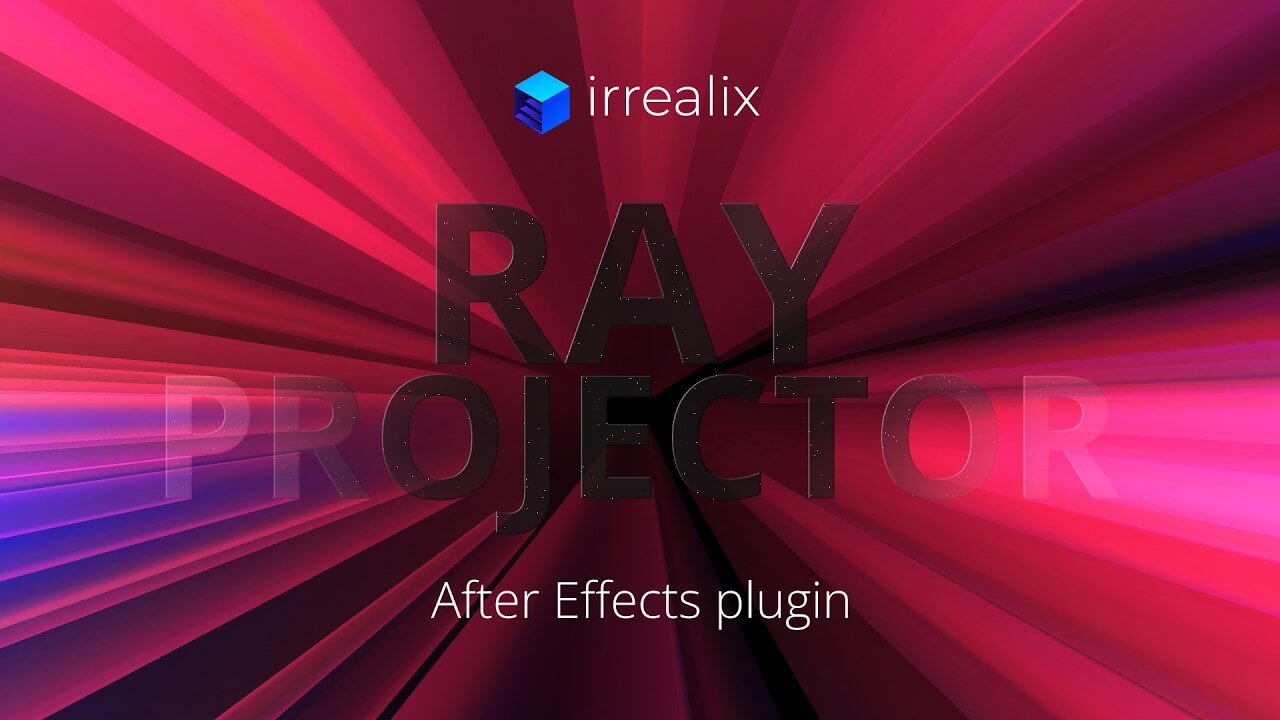
Free Download AEscripts Ray Projector full version standalone offline installer for macOS. It is a GPU-accelerated After Effects plugin that extrudes image edges into 3D models, shades them with environment maps (preset or custom), and adds gradient coloring along the extrusion axis.
Overview of AEscripts Ray Projector for MacOS
It is a versatile tool that turns static images into dynamic 3D forms. By using the plugin, you can extrude the edges of any graphic, photo, or design element and instantly apply realistic shading and lighting effects. The result is a polished, three-dimensional appearance that adds depth and professionalism to your projects.
The plugin’s environment maps are one of its standout features. You can choose from a library of presets or create custom maps to match the lighting and mood of your scene. Gradient coloring along the extrusion axis further enhances visual appeal, enabling smooth transitions and eye-catching effects. Combined with GPU acceleration, these features enable you to work with large files and complex compositions without slowing your workflow.
Key Features
- GPU-Accelerated Performance: Experience lightning-fast rendering with GPU acceleration, ensuring even large, complex projects run smoothly.
- 3D Extrusion of Image Edges: Easily convert 2D graphics into 3D shapes by extruding the edges of your images, adding unique depth to your designs.
- Environment Map Shading: Apply realistic shading with built-in or custom environment maps to match your scene’s lighting perfectly.
- Gradient Coloring Along Extrusions: Add visual interest with gradient effects along the extrusion axis to create smooth, vibrant color transitions.
- Preset Library for Quick Setup: Choose from a variety of presets to quickly get the desired look without spending time on manual adjustments.
- Custom Map Integration: Upload your own environment maps to achieve tailored shading effects and lighting conditions.
- User-Friendly Interface: Intuitive controls make it easy for beginners to start creating 3D effects with minimal learning.
- Seamless After Effects Integration: Works directly in After Effects, enabling a smooth, uninterrupted workflow.
- High-Quality Output: Maintain crisp details and vibrant colors even in high-resolution projects.
- Flexible Adjustment Options: Modify extrusion depth, shading intensity, and gradient settings to suit your creative needs.
System Requirements
- Operating System: macOS 11.0 or later
- CPU: Intel or Apple Silicon processor
- Software: After Effects 2026, 2025, 2024, 2023, 2022, 2021, 2020
FAQs
Q: Can I use it on multiple Mac devices?
A: Yes, as long as each device meets the system requirements and you have a valid license.
Q: Does it support custom environment maps?
A: Absolutely, you can upload and use your own maps for personalized shading effects.
Q: Is the plugin beginner-friendly?
A: Yes, the intuitive interface allows new users to quickly create impressive 3D effects.
Q: Can I adjust the depth of the extrusions?
A: Yes, you can fully control the extrusion depth to match your project’s needs.
Q: Does this tool work with all image formats?
A: It supports standard image formats such as PNG, JPEG, and PSD files.
Q: Will using this plugin slow down my Mac?
A: Not significantly, thanks to GPU acceleration that keeps rendering smooth even on large projects.
Conclusion
Ray Projector is a GPU-accelerated After Effects plugin that extrudes image edges into 3D models, shades them with environment maps (preset or custom), and adds gradient coloring along the extrusion axis. For MacOS users looking to create visually striking motion graphics, it is an indispensable tool. Its blend of performance, flexibility, and user-friendly design makes it perfect for both beginners and professionals. With Ray Projector, your 2D images can transform into captivating 3D visuals, adding depth and polish to every project.